Quick answer
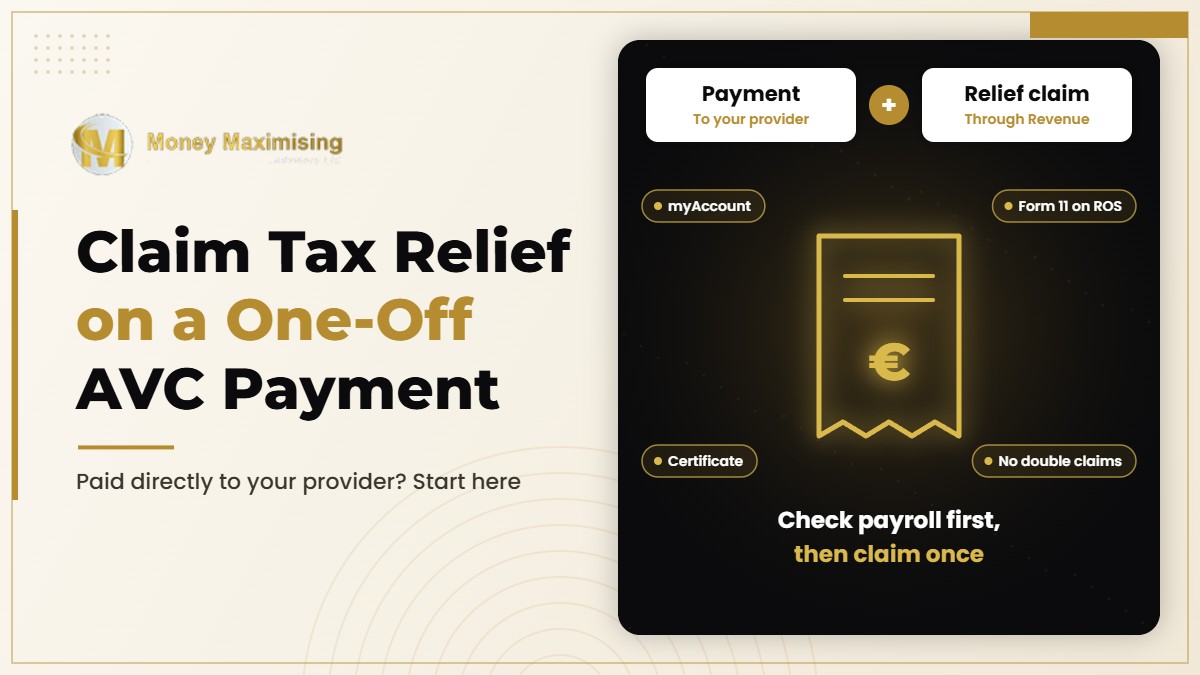
If you paid a one-off AVC directly to your provider and tax relief was not already applied through payroll, you may need to claim eligible Income Tax relief through the appropriate Revenue process. Keep proof of payment and request a contribution certificate or detailed receipt. Before submitting anything, check that the same contribution has not already received relief. The correct process depends on your tax status and the type of pension arrangement.
First, check how your contribution was paid
A contribution paid directly to an approved AVC arrangement is paid to the pension provider, not to Revenue. The contribution payment and the tax-relief claim are separate steps. Keep the transfer confirmation and ask the provider for the contribution certificate or detailed receipt.
Check your payslips and pension records before making a claim. Some contributions receive relief through payroll or an adjusted tax record. Claiming relief twice for the same payment can lead to an incorrect tax position, so reconcile the provider receipt, payslips and tax return.
Claiming through myAccount for a completed tax year
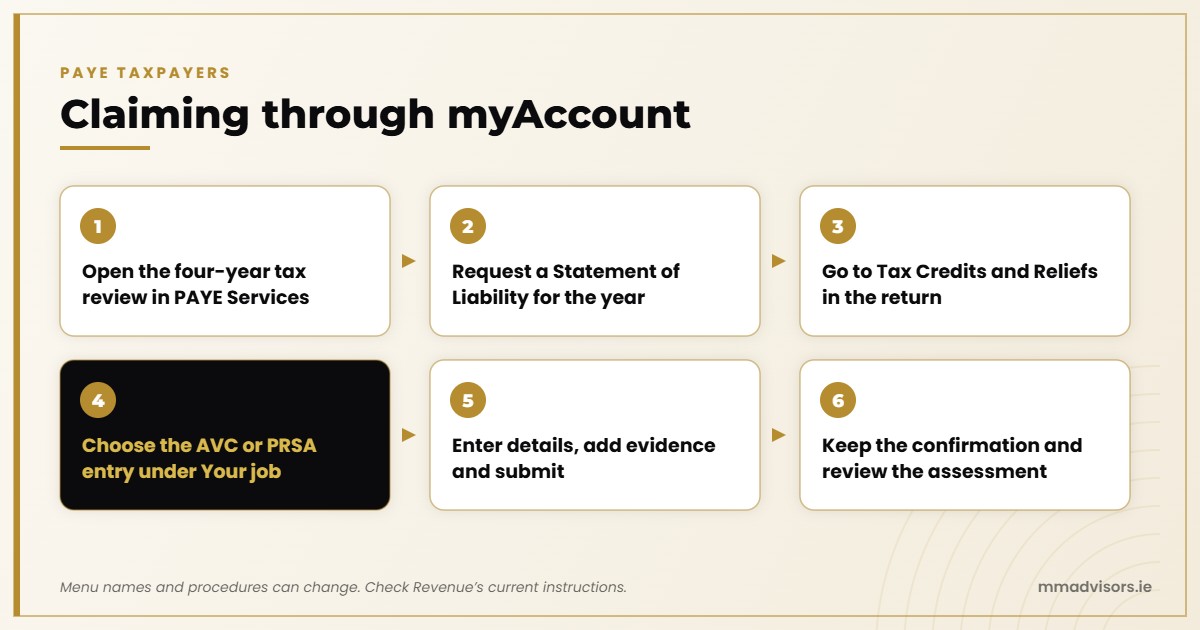
The supplied FAQ describes this general route for a PAYE taxpayer claiming for a completed tax year where a direct contribution was not relieved through payroll:
- Sign in to Revenue’s myAccount and open the previous-four-years tax review under PAYE Services.
- Select the relevant year and request a Statement of Liability.
- Complete the Income Tax Return and find “Tax Credits and Reliefs”.
- Choose the AVC or PRSA entry under “Your job”, matching the actual arrangement.
- Enter the contribution details, provide supporting evidence and submit.
- Keep the submission confirmation and review the resulting assessment.
Menu names and procedures can change. Verify the current Revenue instructions before publication or use, especially where the payment is an AVC rather than a different type of pension contribution.
What if you file Form 11 through ROS?
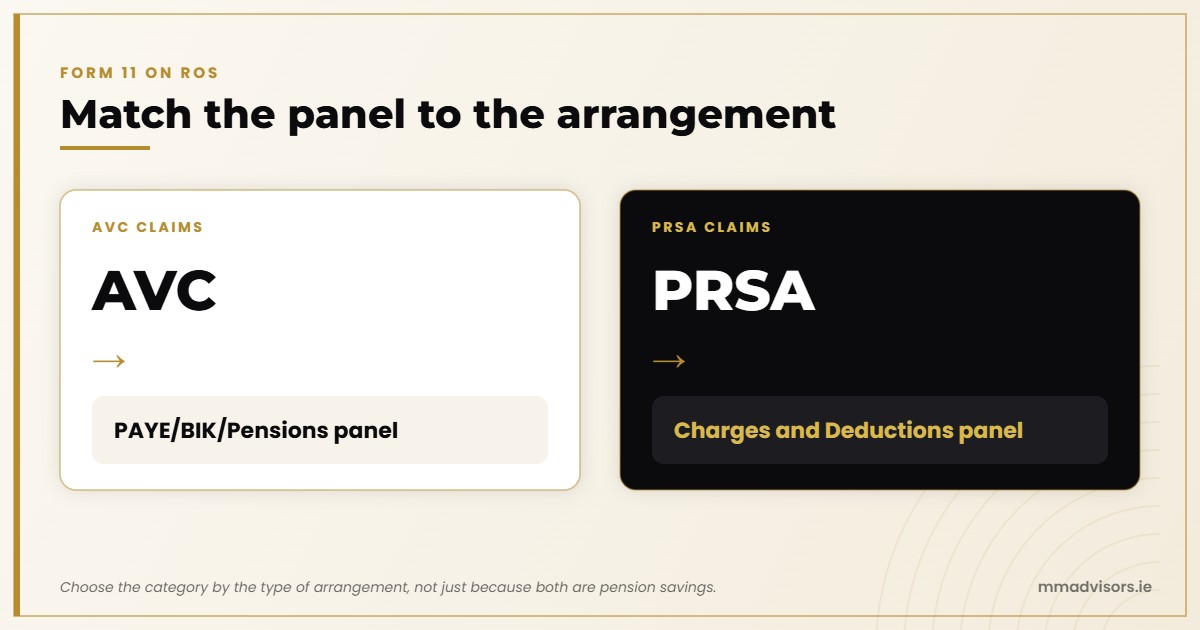
The supplied review page says Form 11 filers should use the “PAYE/BIK/Pensions” panel for AVC claims and “Charges and Deductions” for PRSA claims. The type of arrangement matters, so do not choose a category based only on the fact that both involve pension savings.
If you use an accountant or tax adviser, provide the contribution receipt, policy details and relevant employment information. Ask them to confirm the correct category and how the contribution should appear in your return.
What evidence does Revenue need?
Revenue requires a contribution certificate or detailed receipt with the Income Tax Return, according to the supplied review draft. Ask the provider for it promptly rather than waiting until you are completing the return.
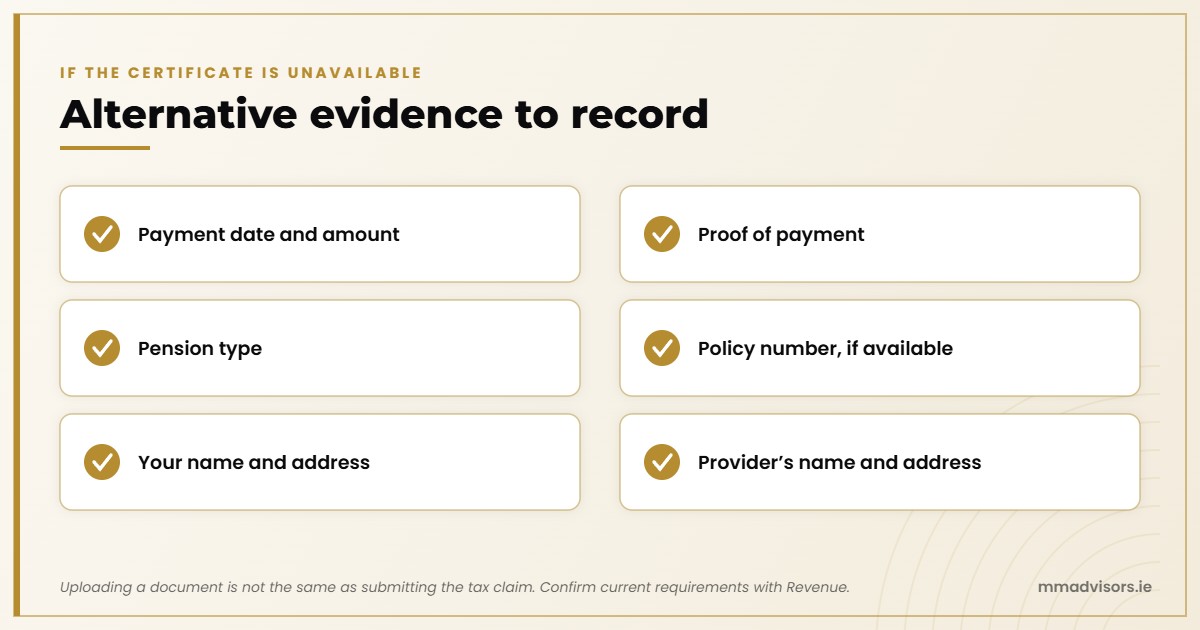
If the certificate is unavailable, the supplied FAQ describes alternative documentation that records the payment date and amount, proof of payment, pension type, policy number if available, your name and address, and the provider’s name and address. Confirm the current acceptable evidence requirements with Revenue.
In myAccount, the supplied guidance identifies “Upload Supporting Documents” under “Manage my record” as the place to upload evidence. Uploading a document is not the same as submitting the tax claim or making a prior-year election.
Scenario: an AVC payment made from a bank account
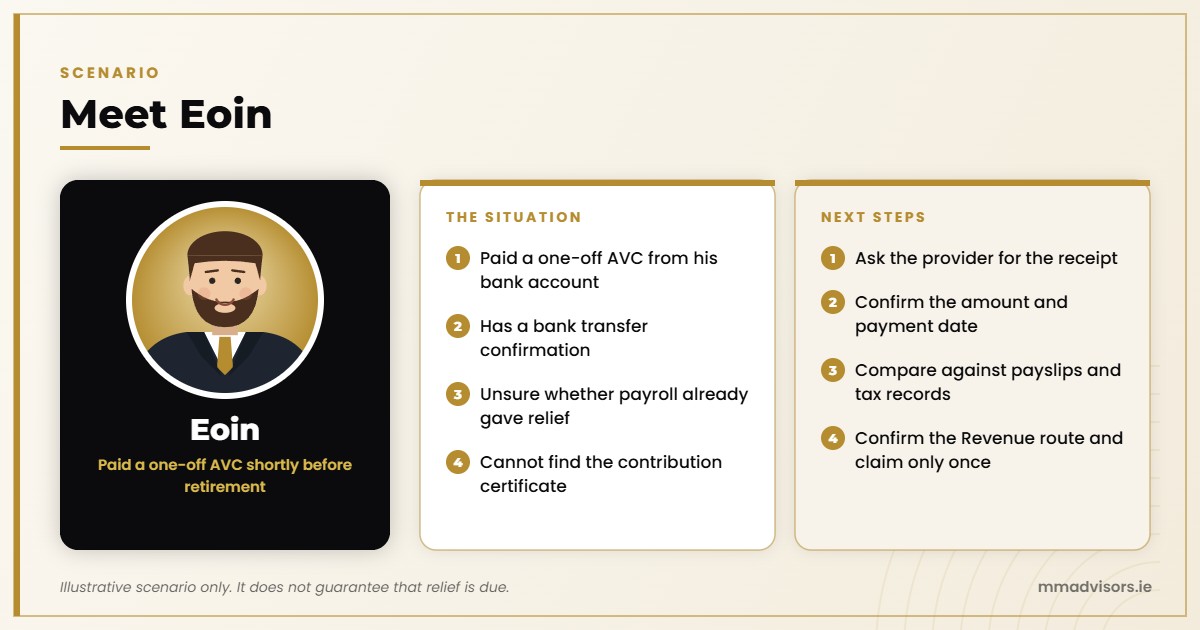
Suppose Eoin pays a one-off AVC from his bank account shortly before retirement. He receives a bank transfer confirmation, but he is unsure whether his payroll already gave relief and cannot find the contribution certificate.
Eoin should first ask the provider for the receipt and confirm the amount and payment date. He should compare the payment against payslips and tax records, then confirm the appropriate Revenue route for his tax status and policy type. He should not assume a refund is automatic or submit a second claim simply because the money left his bank account.
This scenario illustrates the checks involved; it does not guarantee that relief is due or specify how quickly Revenue will process a claim.
How much relief will you receive?
Eligible relief depends on the contribution limits, qualifying earnings and your actual Income Tax position. It may reduce the tax due or affect the resulting assessment, but it does not guarantee a cash refund or a 40% saving. Employee pension contributions do not qualify for USC or PRSI relief.
Keep enough cash available for the gross contribution. Do not rely on an assumed refund amount or payment date to finance the AVC. If you are making a prior-year election, check the separate deadline before acting.
Frequently asked questions
Do I pay the AVC contribution to Revenue?
No. Follow the payment instructions for your approved pension arrangement. Revenue deals with any eligible Income Tax relief through the applicable process.
Will Revenue automatically refund my tax relief?
Do not assume so. The process depends on how the contribution was paid, whether relief was already applied and your tax circumstances.
What if I cannot find my AVC certificate?
Ask the provider for a certificate or detailed receipt. Confirm with Revenue what alternative evidence may be accepted.
Can I claim relief twice if I am unsure whether payroll applied it?
No. Check payslips, contribution records and tax returns first, and confirm the position before submitting a claim.
Related guides
- AVC pensions in Ireland: for general AVC tax-relief rules and limits.
- Public Sector AVCs: for public-sector AVC context.
- How do pension contributions affect your tax return in Ireland?: our broader tax-return guide.